
First things first, let’s figure out why we’re even having this conversation. The thing is, Microsoft is getting rid of text message codes. Why? Blame AI.
Microsoft says AI-powered phishing emails are working way better than they used to, tricking people at a rate of 54%, compared to just 12% for older-style phishing attempts. Text codes are surprisingly easy to steal. Scammers can trick your phone carrier into moving your number to their device (called a SIM swap), or simply talk someone into reading a code out loud over the phone. Microsoft has decided that’s too risky to keep supporting.
Starting September 1, 2026, Microsoft will start nudging everyone still using SMS or phone call codes to set up a passkey instead.
On February 1, 2027, Microsoft is shutting down text and voice codes. If someone’s only way of logging in is a text message, they’ll be stopped at sign-in and asked to set up a passkey on the spot. There’s no way around it, and it applies to every business using Microsoft 365.
For small businesses, this isn’t just a tech policy update buried somewhere online. It affects every single employee who logs in with a phone number today.
What Is Microsoft Authenticator?
Think of Microsoft Authenticator as a free security app for your phone. It’s Microsoft’s main tool for logging in safely, and there’s a good chance some of your employees are already using it.
It works in one of two ways.
The classic way shows you a six-digit code that changes every 30 seconds. You type in your password, then type in that code, and you’re in.
The newer and easier way sends a notification straight to your phone. You just tap “approve” or “deny.” Microsoft also added something called number matching, where you type a number shown on your screen into the app. This small extra step stops people from accidentally approving a login they didn’t actually request.
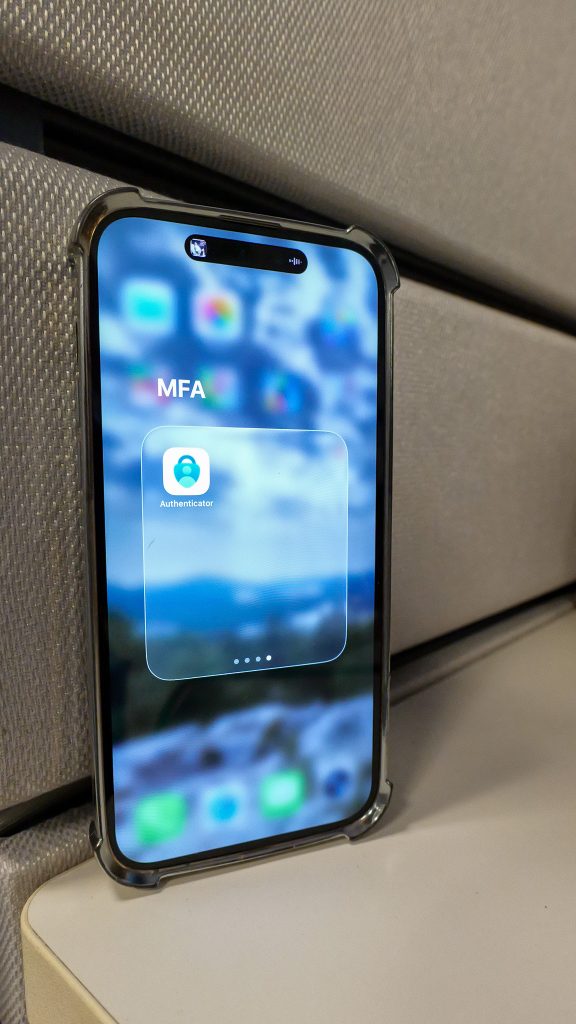
Microsoft Authenticator can also hold passkeys right inside the app, which brings us to our next topic.
What Is a Passkey, in Plain English?
A passkey is a newer, smarter way to prove it’s really you, without typing anything at all.
When you set up a passkey, your phone or laptop creates two matching digital keys. One stays locked safely on your device and never leaves. The other gets shared with Microsoft. When you log in, you just unlock your phone with your face, fingerprint, or PIN, and those two keys quietly confirm it’s you. There’s no code to type and nothing for a hacker to steal, because nothing gets sent that could be copied or reused.
This is built on a security standard called FIDO2, created by Microsoft, Google, and Apple specifically to get rid of passwords and codes.
There are two types of passkeys:
- Device-bound passkeys stay on one device only, like a physical security key or the Microsoft Authenticator app.
- Synced passkeys live in something like your iPhone or Google account, so they follow you across your devices automatically.
The best part about passkeys is how simple the idea really is. There’s no password, no code, and nothing to steal. Even if someone accidentally clicks a fake login page, there’s nothing there for a scammer to grab.
So, Which One Is Actually Better?
Both are much safer than text codes, but they solve the problem a little differently, and that matters for your business.
Microsoft Authenticator adds a second step after your password. You still type your password first, then approve a notification or enter a code as backup.
A passkey skips the password completely. No password to remember, no code to enter. Just unlock your device, and you’re in.
Here’s a simple breakdown of how they compare:
Which one stops phishing better? Passkeys win here. A code from Authenticator can still be typed into a fake website if someone gets tricked. A passkey can’t be tricked this way, because there’s nothing to type or steal in the first place.
Which one is easier day to day? Passkeys are usually quicker since there’s no code to copy or app to check. Authenticator with a simple tap-to-approve notification is still very fast and familiar to most employees.
Which one works everywhere? Authenticator has been around longer, so it works with more services. Passkeys are catching up quickly and already work great with Microsoft 365, Windows 11, and most modern apps.
What happens if someone loses their phone? If a passkey is saved through something like an iPhone or Google account, it’s usually easy to recover on a new device. If it’s tied to one specific device or app, your IT provider will need to help set things up again.
Do either of these cost extra? Nope. Both are completely free. Microsoft Authenticator is a free download, and passkeys come included with every Microsoft 365 plan.
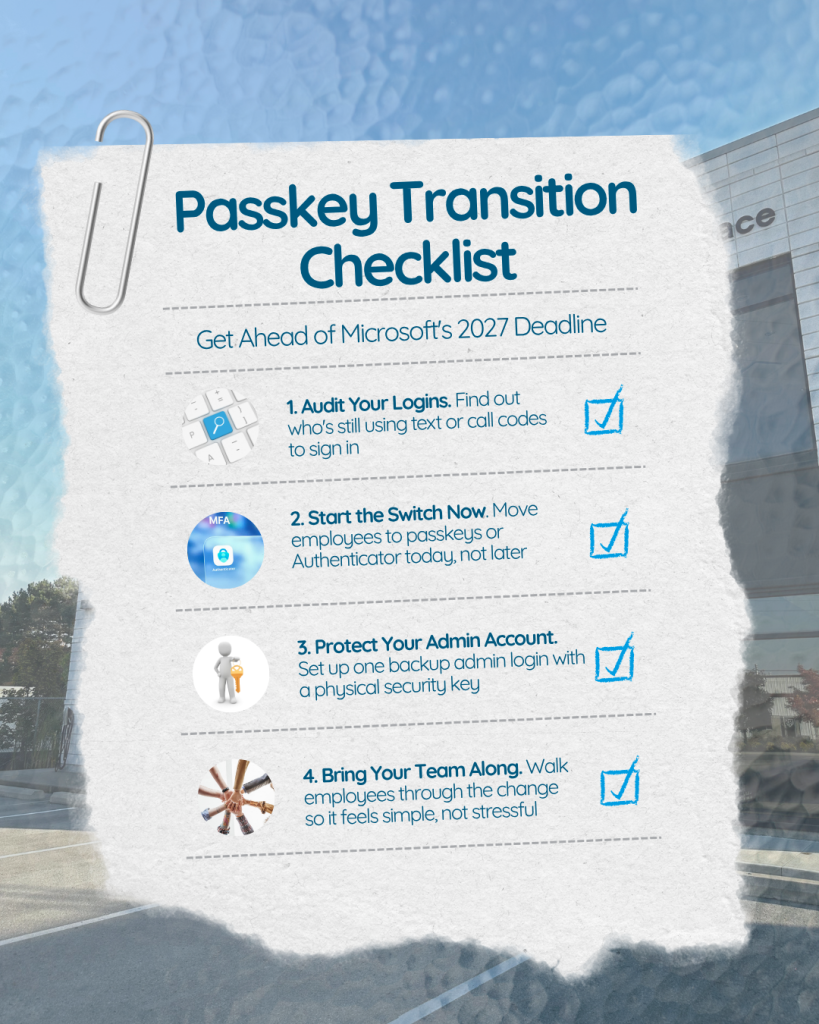
A Simple Checklist to Get Ahead of This
Not Sure Where to Start?
If you’re unsure how your business stacks up when it comes to logins and security, or you’d like help getting everyone switched over to passkeys before Microsoft’s deadline, Skycomp Solutions is happy to help.
We’ll figure out what needs attention, get your team set up properly, and make sure this whole transition feels easy instead of stressful. Reach out anytime, we’re happy to chat.