
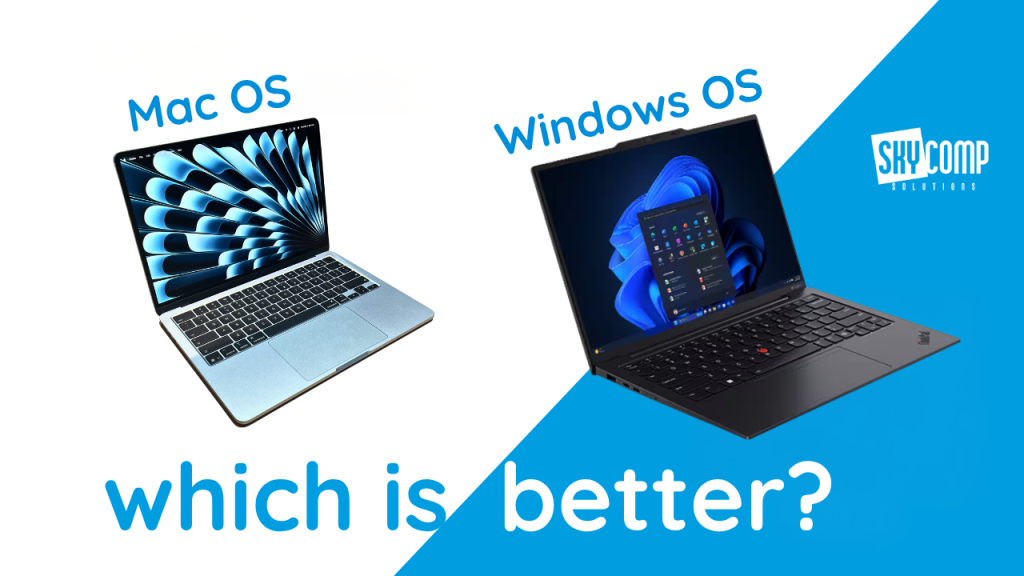
Apple has once again put Macs in the spotlight. The new Mac mini with M6 and M5 Pro processors was announced on August 25, 2026, while the latest MacBook Air and MacBook Pro models arrived earlier in March with Apple’s M5 family of processors.
The headlines naturally focus on faster processors, AI performance, thin designs, and battery life. However, choosing a computer is about much more than picking the newest or best-looking device.
The operating system affects how you find files, organize your work, connect other devices, install programs, repair the computer, and protect your information. If you are considering switching between Windows and macOS, those everyday differences matter more than a benchmark.
So, which is better: Windows or macOS?
The honest answer is that neither is best for everyone. The better option depends on what you use, how you work, and what you may need from the computer in three or four years from now.
What Is the Difference Between Windows and macOS?
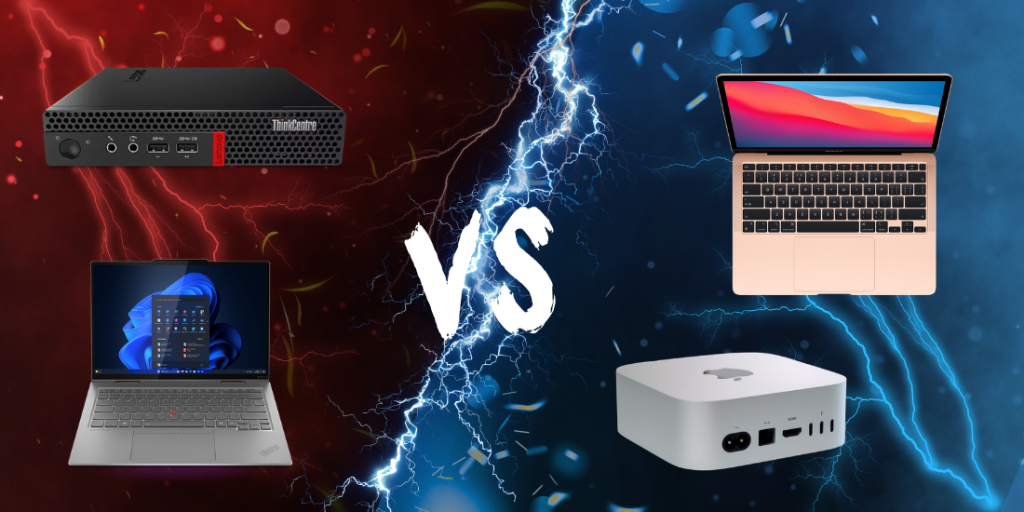
Windows is Microsoft’s operating system. It runs on computers made by many different manufacturers, including Lenovo, Dell, HP, Microsoft, Acer, and ASUS.
macOS is Apple’s operating system, and it only runs on Mac computers. Apple controls both the hardware and the software, which allows the two to be designed as one complete system.
In simple terms, buying a Mac is like choosing from one carefully designed product family. Buying a Windows computer is more like shopping in a large store with many brands, sizes, designs, prices, and configurations.
Neither approach is automatically better. One offers consistency, while the other offers more choice.
The Interface: Familiarity Can Be More Important Than Features
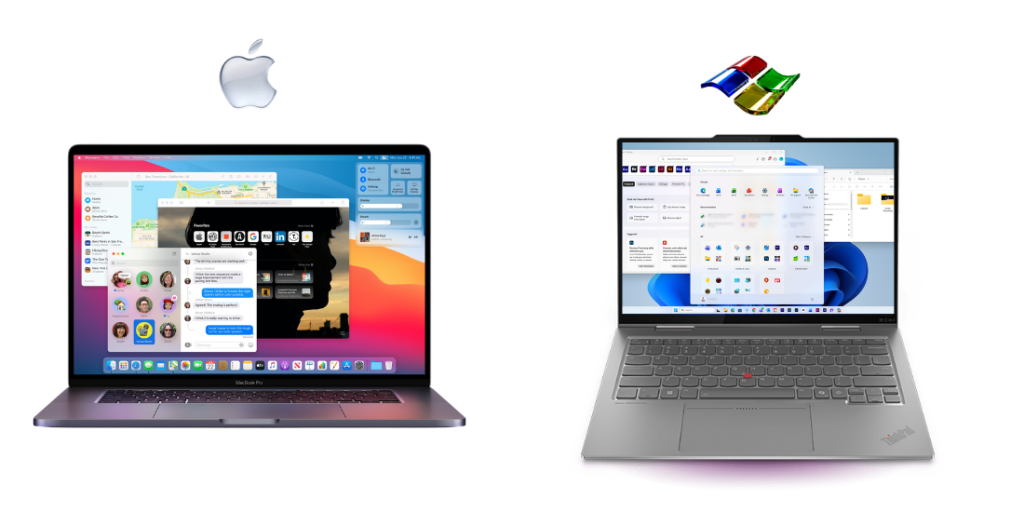
Windows 11 uses the Start menu, taskbar, File Explorer, and application windows most PC users already recognize. It also offers Snap Layouts, which help users quickly arrange several windows on one screen.
That can be useful when you want to keep an email open beside a spreadsheet, compare two documents, or monitor several business applications at once.
macOS uses a Dock for applications, a menu bar at the top of the screen, Finder for files, and features such as Mission Control and Spaces for managing open applications and desktops. Recent macOS updates have also improved window tiling, so the difference in multitasking is smaller than it used to be.
Someone switching from Windows to Mac should expect a short adjustment period. The close, minimize, and full-screen buttons are on the opposite side. Keyboard shortcuts use the Command key instead of Control in many situations, and application menus stay at the top of the screen instead of inside each window.
None of these changes is especially difficult, but old habits can make the first few days feel slower.
The practical takeaway: Choose the interface that feels comfortable, but do not let unfamiliar buttons decide the whole purchase. Most people can learn either system with a little time.
Hardware Choice: One Product Family or Hundreds of Options?
Apple offers a focused range of computers, from the compact Mac mini to the MacBook Air and high-performance MacBook Pro.
The new M6 Mac mini, for example, is only five inches by five inches, but it still includes front USB-C ports, three rear Thunderbolt ports, HDMI, Ethernet, and support for up to three external displays.
Windows offers far more variety. You can buy a basic laptop for email, a premium business notebook, a touchscreen convertible, a gaming desktop, a repairable workstation, or a computer built for a very specific industry application.
That choice can be valuable, but it also makes shopping more complicated. Two Windows laptops may look almost identical while offering very different build quality, screens, batteries, warranties, and security features.
A good Windows computer should be compared with a similarly priced Mac. Comparing a budget PC with a premium MacBook tells you more about the price category than the operating system.
Premium Design Is No Longer Exclusive to Apple
Apple’s aluminum construction has been part of the MacBook identity for years, and the latest MacBook Air continues to use a thin, durable aluminum enclosure.
However, premium materials are no longer exclusive to Apple. Windows manufacturers now offer many aluminum, magnesium, and mixed-metal designs.
For example, Lenovo has used CNC-machined aluminum in ThinkPad X1 Yoga models, and newer premium Windows systems are available with high-resolution displays, metal construction, narrow bezels, long battery life, and high-quality keyboards.
If you like the clean design of a MacBook but prefer Windows, you have alternatives. The Apple logo is no longer the only way to get a thin, solid, professional-looking laptop.
Connectivity: Apple’s Ecosystem Still Leads, but Windows Is Catching Up
One of Apple’s biggest strengths is how well its devices work together.
Handoff lets you begin an email, document, or other task on one Apple device and continue it on another. Apple’s Continuity features also support AirDrop, Universal Clipboard, iPhone calls and messages on a Mac, Continuity Camera, and iPhone Mirroring.
This can be especially convenient if you already own an iPhone, iPad, and Apple Watch. The benefit is not one dramatic feature. It is the way many small tasks flow between devices with very little setup.
Windows is no longer disconnected from the phone in your pocket, though. Microsoft Phone Link can display recent photos, notifications, messages, and calls from supported Android phones and iPhones. The level of functionality varies by phone model, with Android generally receiving deeper integration.
Lenovo Aura Edition computers take this further through Smart Share. On supported models, users can connect a phone to the PC and move photos or videos using a tap-to-launch experience. The feature works through Lenovo Smart Connect and supports compatible iPhones and Android phones.
Apple still provides the most complete experience when every device comes from Apple. However, an iPhone no longer means you must buy a Mac to get useful cross-device features.
Software Compatibility: Check Your Essential Programs First
Before switching operating systems, make a list of the programs you use every week.
Popular services such as Microsoft 365, Adobe Creative Cloud, Zoom, Teams, Slack, Canva, and most browser-based tools work on both platforms. The basic experience is often very similar.
The differences appear with specialized software.
Some accounting, engineering, manufacturing, automotive, medical, and line-of-business applications are designed mainly for Windows. Certain accessories, scanners, label printers, or industry-specific devices may also require Windows drivers.
On the other side, Apple’s Final Cut Pro and Logic Pro are exclusive to Mac. Mac computers are also popular in creative fields because Apple controls the processor, operating system, display support, and media engines as one platform.
Do not assume software compatibility based on the company name alone. Confirm that the exact program, version, plug-in, and accessory you need supports the operating system you are considering.
The practical takeaway: Your most important business application should choose the computer, not the other way around.
Upgradability and Repair: Windows Usually Offers More Options
This is one of the clearest differences between the platforms.
On many modern Macs, memory is built into the processor package and cannot be upgraded after purchase. Apple confirms that memory in its M-series Mac mini models is integrated and must be configured when the computer is ordered.
That makes the original buying decision important. If you purchase too little memory or internal storage, you may need external storage or a completely new computer later.
Windows computers vary widely. Some thin premium laptops also have soldered memory and limited upgrade options, so Windows does not automatically mean repairable. However, the overall market includes many desktops and business laptops with replaceable storage, memory, batteries, keyboards, and other components.
Lenovo, for example, maintains a parts system covering components such as batteries, keyboards, displays, memory, storage, and system boards, although actual replacement options still depend on the specific model.
If long-term repairs or future upgrades matter to you, check the service manual before buying. Do not rely on the operating system or brand alone.
Security: Is macOS Safer Than Windows?
Both platforms include strong security features, and both can be compromised if they are poorly configured or left outdated.
macOS includes Gatekeeper, which checks downloaded software for an identified developer, Apple notarization, known malicious content, and unauthorized changes. Apple also separates application access through sandboxing and protects system files from normal application activity.
FileVault provides full-volume encryption for protecting information stored on a Mac. On Apple silicon, its encryption works with hardware security capabilities in the Secure Enclave.
Windows 11 includes Microsoft Defender, Secure Boot, TPM-based protections, Smart App Control, Windows Hello, and BitLocker or Device Encryption on supported devices and editions. Windows Hello can use a fingerprint, face scan, or device PIN, while keeping biometric information on the device.
BitLocker protects information on a drive if a laptop is lost, stolen, or accessed outside the normal Windows login process. Organizations can also manage encryption and recovery keys through Microsoft’s business management tools.
The old idea that “Macs do not get viruses” is not a safe business strategy. A Mac can still face malicious software, stolen passwords, phishing, unsafe browser extensions, and unpatched vulnerabilities.
For businesses, the most secure computer is usually the one that is:
- Properly configured
- Regularly updated
- Protected with multi-factor authentication
- Encrypted
- Monitored by IT
- Backed up
- Used by a security-aware employee
The operating system provides the tools, but management determines whether those tools actually protect the business.
Gaming, Touchscreens, and Specialized Hardware
Windows remains the more flexible choice for gaming. It supports a much larger selection of games, graphics cards, accessories, and upgradeable gaming desktops.
Windows also offers touchscreen laptops, detachable tablets, built-in pens, foldable displays, and two-in-one devices. Apple keeps touch input on the iPad rather than offering it on most traditional Mac experiences.
Mac may be a stronger fit when someone wants consistent performance, long battery life, quiet operation, and access to Apple-exclusive creative software. Windows may be a stronger fit when someone wants gaming, touch input, specialized business software, or a customized hardware setup.
These are tendencies, not rules. The correct choice still depends on the model and workload.
What Should You Expect When Switching?
Moving from Windows to macOS or from macOS to Windows is manageable, but it deserves a plan.
Before making the change:
- List your essential programs. Confirm that every business-critical application has a compatible version.
- Check your accessories. Look at docks, monitors, printers, scanners, webcams, and specialty equipment.
- Plan your data move. Decide how documents, photos, email archives, browser bookmarks, and passwords will transfer.
- Review file formats. Make sure coworkers and clients can open the files you create.
- Check your cloud services. Microsoft 365, OneDrive, SharePoint, Google Workspace, and other cloud tools can make switching easier.
- Plan for training. Even a simple interface change can temporarily slow down an employee.
- Review IT management. Confirm that the new device can be updated, encrypted, backed up, monitored, and supported properly.
A computer can be excellent on its own and still be the wrong fit for your environment.
So, Is Windows or macOS Better?
Choose macOS if you value a consistent hardware and software experience, already use several Apple devices, need Mac-exclusive creative applications, or want a focused selection of computers without comparing hundreds of models.
Choose Windows if you want more hardware choices, broader support for specialized software, touchscreen or two-in-one designs, stronger gaming compatibility, or more opportunities to repair and upgrade selected models.
For many consumers, either platform will comfortably handle email, web browsing, video calls, documents, streaming, and everyday creative work.
The real question is not, “Which operating system is better?”
It is, “Which computer fits the way I already work, and will it still meet my needs in several years?”