
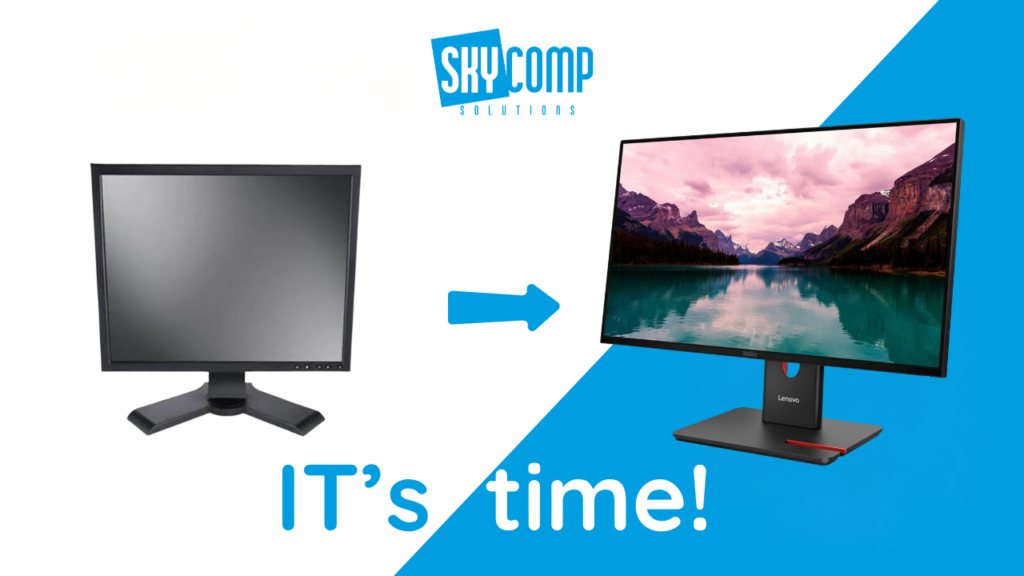
We spend a huge part of our day in front of monitors. At the office. At home. On video calls, emails, spreadsheets, and even YouTube breaks. When something stares back at you for seven hours a day, it should be working with you, not against you.
If you are still using an older monitor, you might be missing out more than you realize. Modern monitors have quietly improved in ways that directly affect comfort, productivity, and even your power bill.
Here are five reasons upgrading makes sense.
1. Better Connectivity for Modern Computers
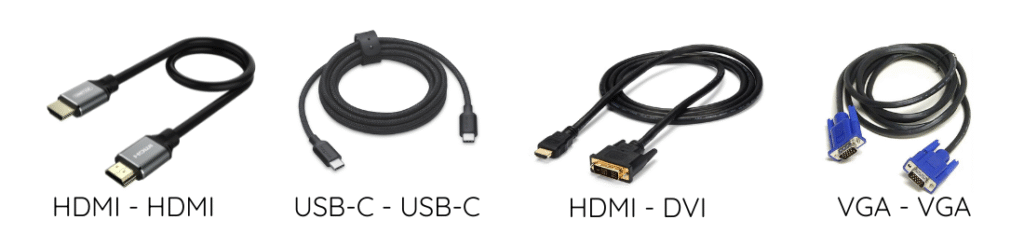
If your monitor still relies on VGA or DVI, it is officially living in the past.
VGA is an analog signal designed decades ago. DVI is digital, but limited. Neither was built for today’s higher resolutions, refresh rates, or sharper image quality. Even if you have a powerful PC, older cables physically cannot pass enough data to show what your system is capable of. This often results in softer images, flicker, or being stuck at lower refresh rates even though your computer supports more.
Modern monitors use HDMI, DisplayPort, and increasingly USB‑C, which support higher resolutions, faster refresh rates, and cleaner digital signals.
Another practical issue is adapters. VGA‑to‑HDMI or DVI‑to‑DisplayPort adapters are becoming harder to find and more expensive because those older standards are no longer the norm.
2. Higher Refresh Rates Make Everything Feel Smoother
Refresh rate is how many times per second your screen updates. Many older monitors are locked at 60Hz. Newer monitors commonly support 75Hz, 100Hz, or 120Hz and higher.
This matters more than most people expect. Higher refresh rates reduce motion blur and make everyday actions like scrolling, dragging windows, and watching videos feel smoother and more natural. Microsoft specifically notes that higher refresh rates reduce flicker and can lessen eye fatigue during browsing and general use, not just gaming.
For heavier applications, such as large spreadsheets, design tools, or video playback, smoother motion reduces visual strain. Even watching YouTube feels cleaner, especially with fast-moving content.
3. Eye Care Features Are Now Built In
This one is important.
Research shows that adults spend an average of 6 to 7 hours per day in front of screens, and poor displays contribute to eye strain, headaches, and fatigue.
Modern monitors commonly include:
- Low blue light technology
- Flicker‑free backlighting
- Automatic brightness adjustment
These features are often certified by organizations like TÜV Rheinland, which tests monitors for eye comfort, flicker reduction, and blue light exposure.
4. Lower Energy Consumption
Older monitors consume more power, even when idle.
Modern monitors, especially ENERGY STAR certified models, are designed to use less electricity in active, sleep, and standby modes. On average, ENERGY STAR certified monitors are about 7 percent more energy efficient than standard models.
That may not sound dramatic, but over a full workday, week, and year, the difference adds up. Lower power usage means lower operating costs and less heat on your desk, which improves comfort in home offices and shared workspaces.
5. Better Compatibility with Today’s Workflows
New monitors are designed for how people actually work today.
USB‑C monitors can*** carry video, data, and power through a single cable, making laptop setups cleaner and faster. DisplayPort supports multi‑monitor setups using daisy‑chaining, which is ideal for modern desks with two or three screens.
This compatibility reduces cable clutter and minimizes troubleshooting. Instead of juggling adapters and ports, modern monitors simply connect and work with current laptops and desktops.
At Skycomp Solutions, we regularly help clients troubleshoot frustrations that come down to outdated monitors. Blurry screens, flicker complaints, docking issues, or laptops that “feel slow” often trace back to old displays or cables holding everything back.
After upgrading, many clients immediately notice clearer text, smoother visuals, and less eye fatigue by the end of the day. It is one of the simplest upgrades with one of the fastest returns.
If you are unsure whether your current monitor is holding you back, Skycomp Solutions is happy to help you evaluate your setup. We focus on practical upgrades that make work smoother, simpler, and more comfortable. Just reach out, and we will take it from there.